


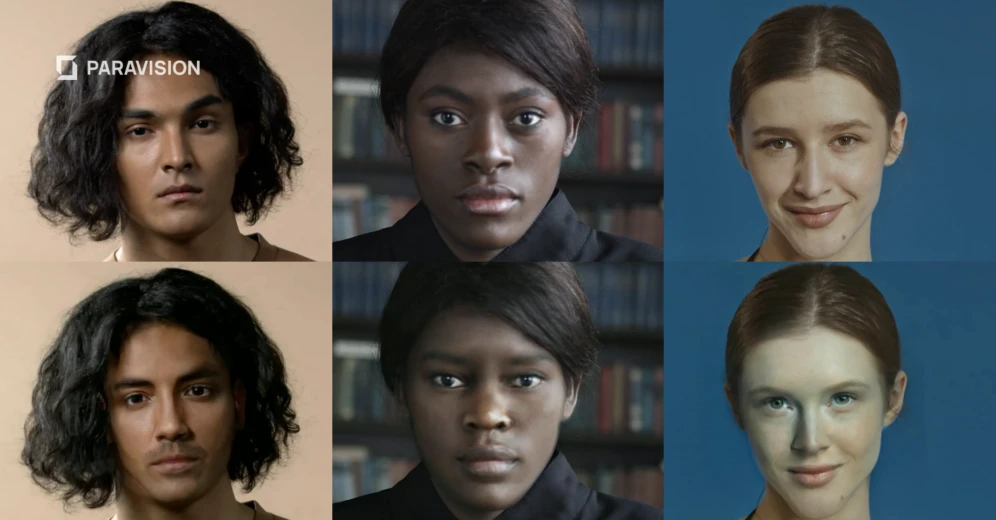
AI is improving, but don’t be deceived.
Deepfake videos, synthetic media generated or manipulated by Artificial Intelligence, have become disturbingly convincing. What once required a Hollywood studio can now be produced in minutes on a consumer laptop.
Whether you’re watching a viral clip of a celebrity, a political speech, or a message from someone you know, knowing how to spot a deepfake is an essential skill today. Here’s what to look for:
1. Study the face carefully
The face is where deepfake technology both shines and stumbles. Artificial Intelligence models are trained primarily on facial data, so the face is the most heavily manipulated region, and the most likely to show cracks.
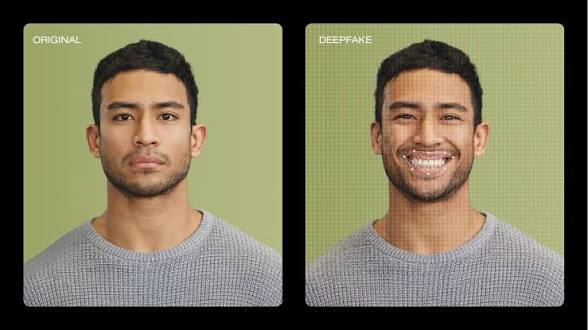
Watch out for AI tells:
- Unnatural blinking: Early deepfakes rarely blinked at all. Newer ones blink, but sometimes too mechanically or at odd intervals.
- Skin texture inconsistencies: Real skin has pores, lines, and subtle imperfections. AI-generated faces often look slightly too smooth, waxy, or plastic, especially in high-definition.
- Facial edges: Look at the hairline, jaw, and the border between the face and neck. Deepfakes frequently show subtle blurring, flickering, or mismatched skin tones along these edges.
- Eye irregularities: The whites of the eyes may appear too bright, the pupils misshapen, or the gaze slightly “off”, like the subject isn’t quite focusing on anything real.
2. Check the mouth and audio sync
Lip-syncing is one of the hardest things for Artificial Intelligence to get right, especially at natural speech speeds.
- Watch the mouth closely and listen. Even a slight delay or mismatch between sounds and lip movements is a red flag.
- Look for teeth and fingers that look blurry, oddly shaped, or inconsistent from frame to frame. Teeth and fingers are notoriously difficult for generative AI to render cleanly.
- Pay attention to the inside of the mouth, the tongue and the back of the throat often look strange or undefined in deepfakes.
3. Look at hair and background
Hair is another weak point for Artificial Intelligence video synthesis. Individual strands are complex, and the physics of moving hair is hard to simulate.
- Hair that moves unnaturally, looks too perfect, or appears to merge with the background is suspicious.
- Look at the background itself. Do objects behind the person shift slightly, flicker, or warp when the subject moves? Artificial Intelligence models sometimes distort the surrounding scene as the face is composited in.
4. Examine lighting and shadows
Lighting is governed by physics, and Artificial Intelligence doesn’t always get the physics right.
- Check whether the light hitting the face matches the light in the rest of the scene. Mismatched lighting direction or intensity is a common tell.
- Look for shadows under the nose, chin, and around the ears. Deepfakes may cast the wrong shadows or no shadows at all.
- Watch for unnatural reflections in glasses or eyes, these are extremely difficult for AI to simulate accurately.
5. Look for temporal inconsistencies
A single frame might look perfect. Play the video through and look for consistency over time.
- Does the face or head seem to “float” or drift slightly relative to the body?
- Are there brief flickers or morphing artifacts, even just for a frame or two? Pause and scrub through slowly.
- Do earrings, glasses, or other accessories behave strangely, disappear momentarily, or clip through the face?
6. Listen to the voice
Audio deepfakes (voice cloning) are often generated separately and paired with video. Listen critically:
- Does the voice match the person’s known accent, cadence, and mannerisms?
- Is there unusual flatness in emotional inflection? Cloned voices sometimes sound just slightly robotic or affectless.
- Is the background audio consistent? Real recordings have ambient noise that shifts naturally. AI-generated audio may have an unnaturally clean or constant background.
7. Use context clues and reverse research
Technology alone won’t always save you. Use your critical thinking:
- Search the source: Where did the video come from? Deepfakes often originate from anonymous accounts or obscure sites before spreading.
- Check the date: Is the content being shared as “breaking news” but the account is brand new? That’s a warning sign.
- Look for a real-world counterpart: Reverse image search a frame from the video using tools like Google Images or TinEye to find the original footage a deepfake might be based on.
- Cross-reference with trusted outlets: If a video shows a major public figure saying something outrageous, check whether any credible newsroom has verified or reported it.
8. Use AI detection tools
Several tools now exist specifically to detect AI-generated media:
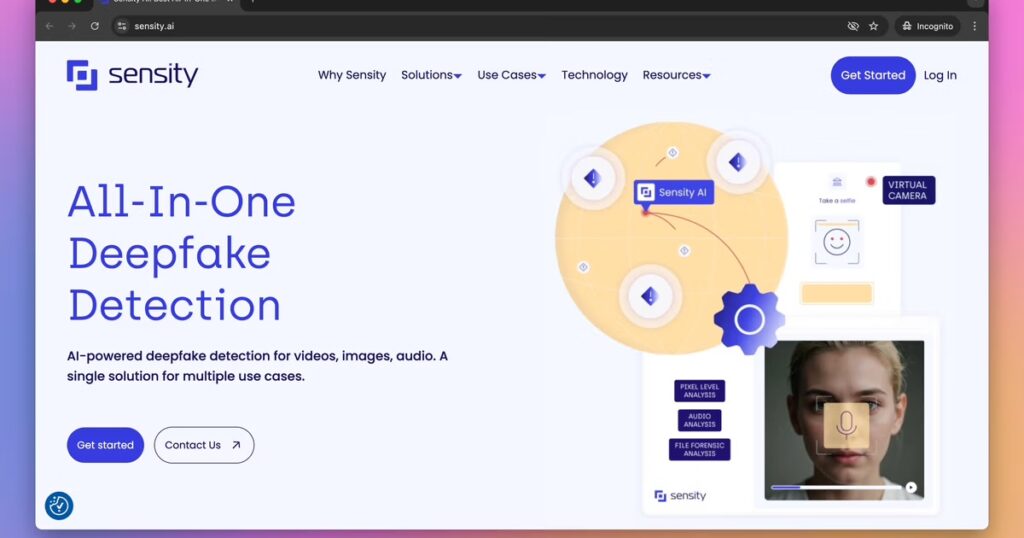
- Hive Moderation and Sensity AI offer deepfake detection for videos.
- Microsoft’s Video Authenticator analyses videos frame by frame for signs of manipulation.
- FakeCatcher by Intel claims real-time deepfake detection based on blood flow patterns in pixels.
No single tell is definitive, and the best deepfakes are designed to fool each individual check. Your strongest defense is a combination of close visual scrutiny, healthy skepticism about the source, and cross-referencing with trusted information. The more extraordinary the claim in a video, the more rigorously you should verify it before believing or sharing what you see.